
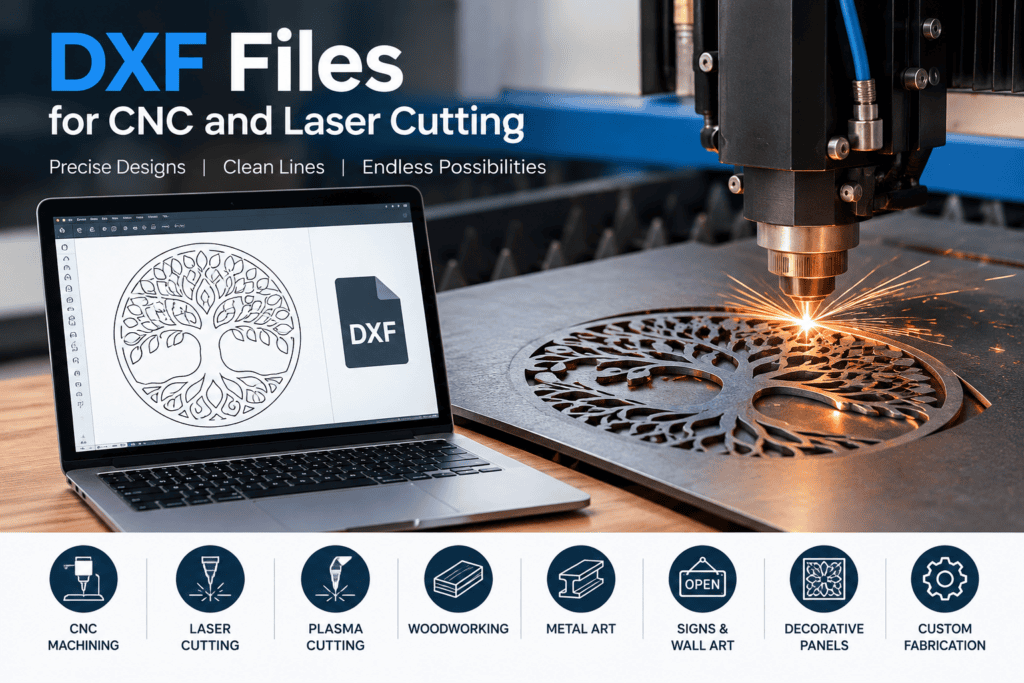
Why Are DXF Files Important for CNC and Laser Cutting?
DXF files are especially useful because they provide a precise digital representation of a design. CNC routers and laser cutting machines can use these designs to create accurate shapes, patterns, signs, panels, decorations, and other products. Instead of drawing every part manually, a ready-made DXF design can save time and make the preparation process much easier.
For CNC projects, DXF files can contain the outlines and shapes required to create a physical product. Designers can prepare the file in CAD software and then import it into compatible CNC software for further processing. Depending on the machine and software, the design can be adjusted for size, position, cutting depth, and other manufacturing requirements.
Laser cutting is another common application for DXF designs. A laser cutter can follow the lines and shapes contained in a suitable file to cut materials such as wood, acrylic, cardboard, and other compatible materials. This makes DXF designs useful for creating wall signs, decorative panels, nameplates, ornaments, templates, and personalized products.
Benefits of Using Ready-Made DXF Designs
One of the biggest benefits of ready-made DXF designs is the time they can save. Creating a detailed design from the beginning can require considerable effort, especially for users who are new to CAD software. A professionally prepared DXF file provides a starting point that can often be customized to suit a specific project.
Ready-made DXF designs can also provide inspiration for new projects. A single design can sometimes be adapted into different products by changing its dimensions, adding text, combining it with other elements, or using a different material. This gives makers more flexibility when developing their own CNC and laser cutting projects.
Another advantage is convenience. Instead of spending hours creating basic shapes and patterns, users can focus more on preparing their material, selecting the appropriate machine settings, and producing the final item.
How to Choose the Right DXF File
Before downloading or purchasing a DXF design, it is important to check whether the file is suitable for your intended project. Look at the design dimensions, level of detail, and the type of machine you plan to use. You should also make sure that your design software supports the file format and that the design can be modified if necessary.
For cutting projects, clean and properly organized vector lines are particularly important. Overlapping lines, open shapes, or unnecessary elements can sometimes cause problems during the cutting or manufacturing process. Choosing a carefully prepared DXF file can help reduce these issues and make the design easier to work with.
It is also useful to consider the material you plan to use. A design intended for a small wooden ornament may need different dimensions and cutting considerations than a large decorative wall sign. Always review the design before sending it to your machine.
Start Your Next DXF Project
DXF files are an important part of modern digital fabrication because they connect digital designs with physical manufacturing. Whether you are working with a CNC router, laser cutter, or another compatible machine, the right DXF design can make it easier to turn an idea into a finished product.
If you are looking for CNC DXF files, laser cutting DXF files, or creative DXF designs, explore different designs and choose files that match your machine, material, and project requirements. With the right design and preparation, DXF files can help makers create accurate, attractive, and repeatable projects.